> ## Documentation Index
> Fetch the complete documentation index at: https://docs.greip.io/llms.txt
> Use this file to discover all available pages before exploring further.
# Exporting Data
> Export the events and alerts in CSV format
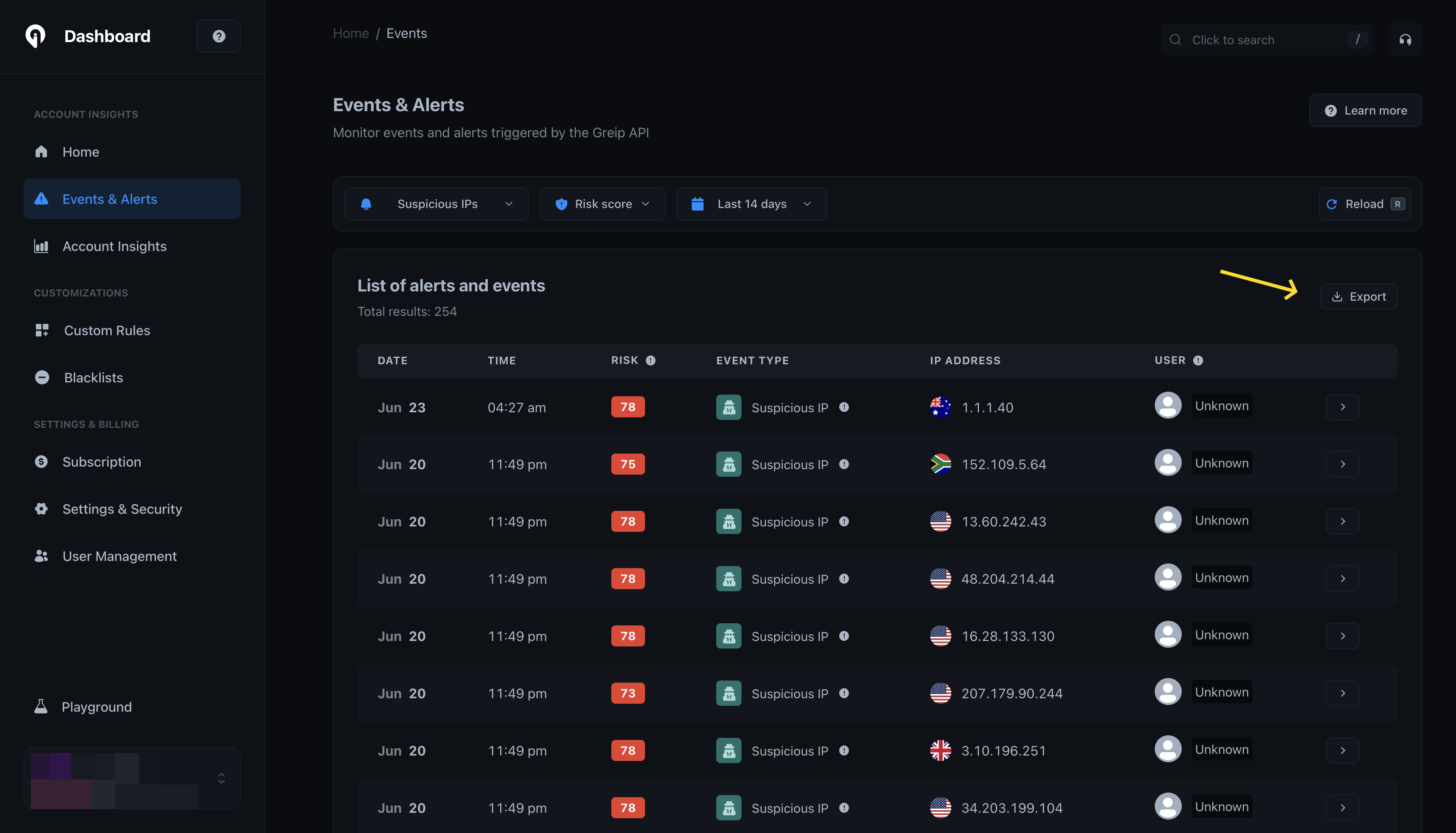
In the Events and Alerts section, you can export the events and alerts in CSV format. This way, you can analyze the events and alerts in your favorite spreadsheet software.
 ## Notes
* You can export as much data as you want, there's no limit applied to this feature.
* Wherever you lose the CSV file, you can always download it again from the events and alerts section, and this time it will be way faster because the data is already prepared.
* Make sure you set the correct filters before exporting the data, so you can get the most accurate results.
## Notes
* You can export as much data as you want, there's no limit applied to this feature.
* Wherever you lose the CSV file, you can always download it again from the events and alerts section, and this time it will be way faster because the data is already prepared.
* Make sure you set the correct filters before exporting the data, so you can get the most accurate results.